How to tell if a business needs a new website (and how to tell them)
The signs that a small business needs a new website or just a fix, how to check them in five minutes and how to bring it up with the owner.
Esta guía también está en español: Leer en español
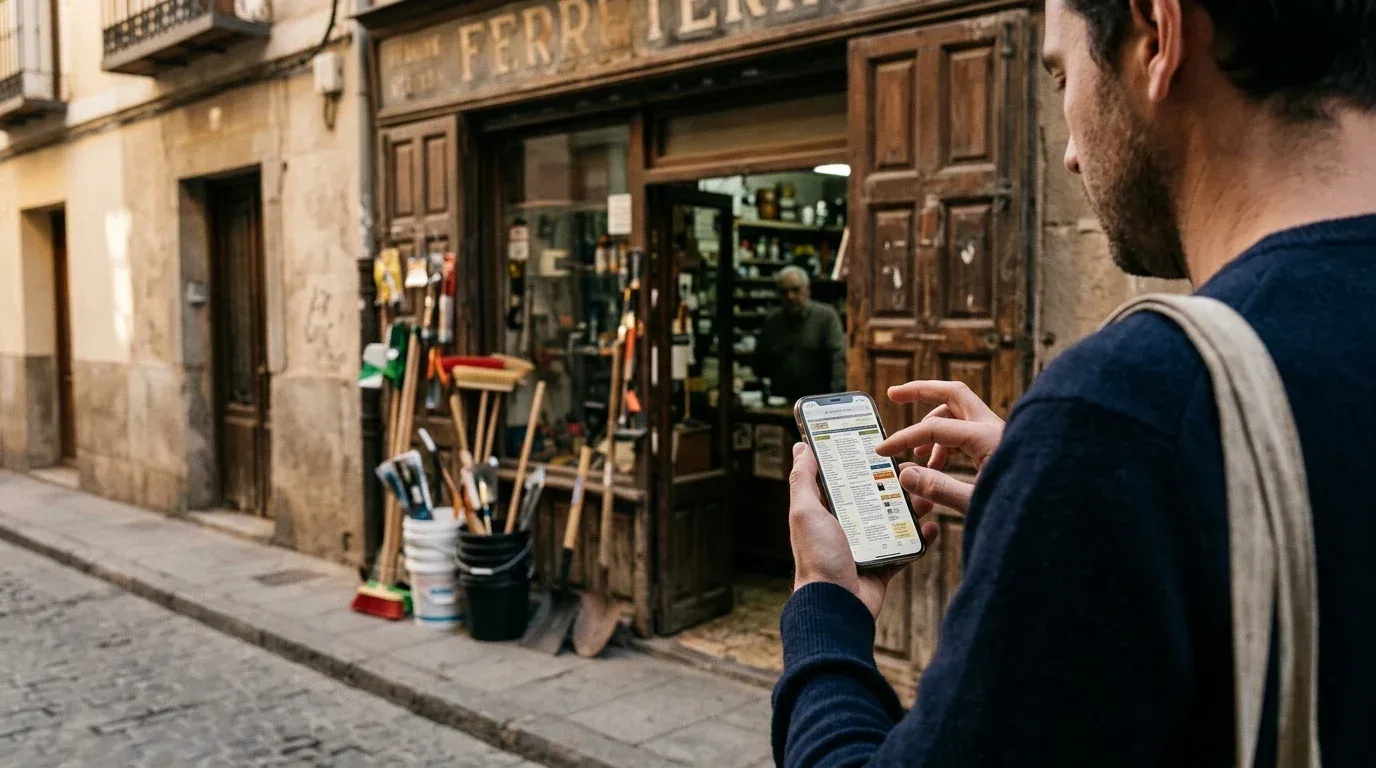
Almost every business on your high street has something that looks like a website. The hardware shop has one a nephew built in 2014, the hair salon has a Facebook page and a link to a booking app, and the car workshop has a template site nobody has touched since the day it was paid for. So the useful question isn't whether they have a website. It's whether the one they have is costing them customers.
If you sell web design, marketing or software to small businesses, telling one case from the other is half the job. Call someone whose website is fine and they'll say no, and they'll be right. Skip someone who really needs a new one and somebody else will make that call. This guide covers what to look at, how to check it quickly and, the delicate part, how to raise it with the owner without them feeling attacked.
Short answer: a business needs a new website when it doesn't have one of its own, when the one it has can't be used properly on a phone, or when it stops customers from doing what they came to do (book, order, call or find it on Google). If only one specific thing is broken, such as HTTPS, opening hours or a booking button, it needs a fix, not a new website. To find out, open the site on your phone, run it through a free analyser and look at how the business handles its customers today.
What isn't a sign
Before the list, a warning that will save you a lot of awkward calls: finding a website ugly doesn't mean the business needs a new one.
A butcher's shop with a simple, fast website that works on a phone and shows the phone number and opening hours clearly is doing its job. The design may look dated to you, but its customers aren't looking for design. They want to know if it's open on Saturday. If you open with "your website looks old-fashioned", the owner will hear "I want to charge you for something you don't need". And they'll probably be right.
Age isn't a sign on its own either. Some ten-year-old websites work perfectly well and some two-year-old ones are a mess. What matters is what happens to the customer once they land on it.
The signs that a business needs a new website
We've grouped them into five types, from most to least important for the business. The first groups justify a new website on their own. The last ones usually open the door to a fix or a smaller service.
1. It doesn't have a website of its own
This is the clearest sign, although it isn't always as obvious as it looks. Some businesses think they have a website when what they really have is:
- Only social media. A Facebook page or an Instagram profile. They're good for showing day-to-day life, but they don't rank well when someone searches for "physiotherapist in Leganés", and the business controls nothing: not the layout, not the data, not what happens if the platform changes its rules.
- A listing on a directory or platform. A profile on a booking app or a business directory. Useful, but it belongs to the platform, not the business.
- A page inside someone else's website. The franchise's, the supplier's or the local traders' association's.
- A domain that no longer works. The Google listing links to an address that returns an error or, worse, to a site that's no longer theirs because the domain expired.
That last case is more common than you'd think, and it's an easy conversation: the owner almost never knows, and hearing it from you is a favour.
2. It can't be used on a phone
Most people looking for a local business do it on their phone, often while walking or from the car. Google has also been judging websites by their mobile version for years. A site that doesn't adapt to mobile gives itself away immediately:
- You have to pinch the screen to read the text.
- Buttons and links are so close together that you tap the wrong one.
- The menu won't open, or it opens and covers the whole page.
- A horizontal scroll bar appears.
If a website doesn't adapt to mobile, it's almost always built on a technology or template so old that fixing it costs more than starting again. Along with the previous one, it's the sign that most justifies a new website.
3. It doesn't let customers do what they want to do
These are the signs that sell best, because they turn straight into money the business is losing. They depend heavily on the sector:
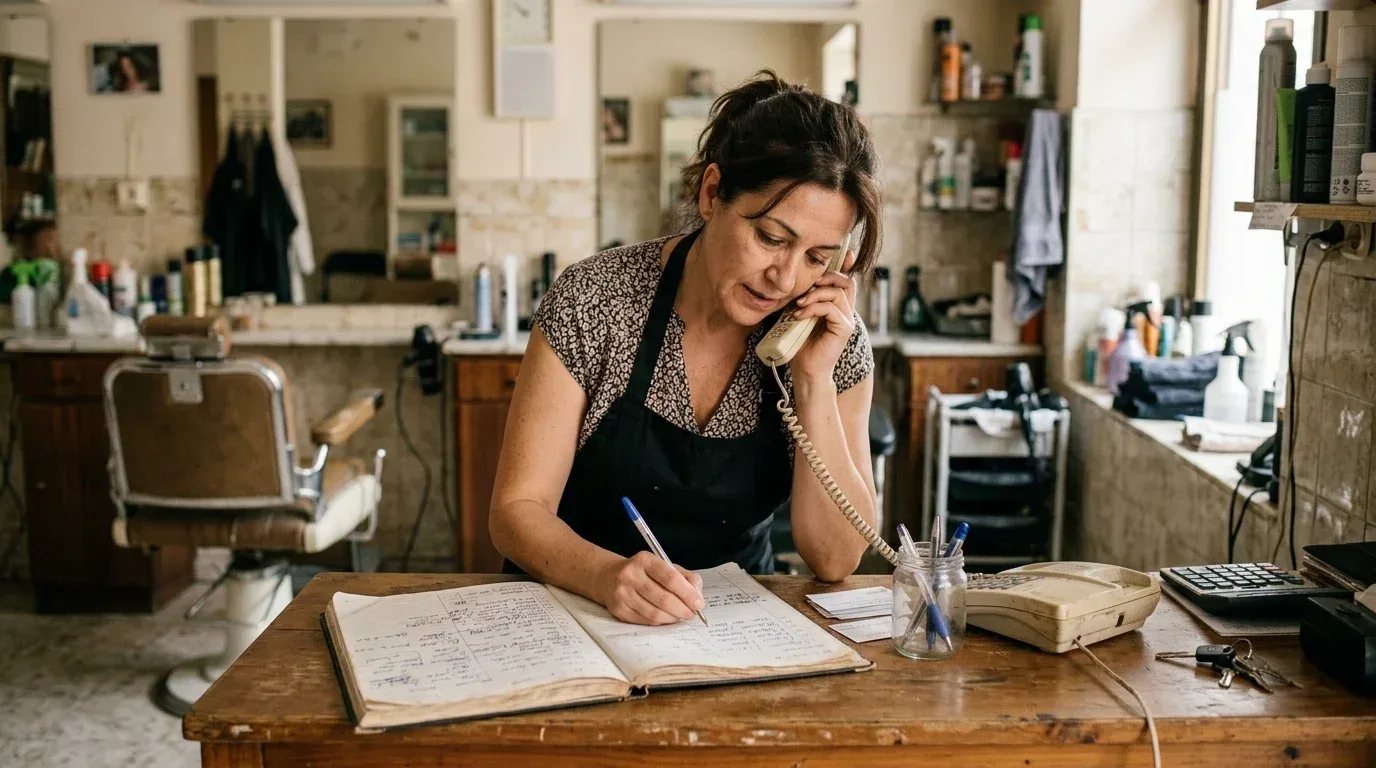
- Bookings by phone or on paper. A hair salon, physiotherapy clinic or beauty salon that only takes appointments by phone loses everyone who calls while staff are busy with a client. And many customers would rather book at eleven at night, when the business is closed.
- Bookings through a platform that charges commission. That's not bad in itself, but many of these platforms charge a fee per customer or per month. For some businesses, a booking system on their own website pays for itself within a few months.
- A restaurant with its menu as a PDF or a photo. On a phone you have to download it, zoom in and drag it around. Google also struggles to read what's inside a photo.
- A shop with products that doesn't sell online. Not every shop needs to, but a bike shop, a bookshop or a florist that takes orders can gain a lot from a simple online shop or an order form.
- No quick way to get in touch. No phone number you can tap to call, no WhatsApp, no form. The customer has to copy the number by hand, and many won't bother.
4. Technical problems that drive customers away
These are the signs end customers notice without being able to explain them:
- No HTTPS. Chrome and the other browsers show "Not secure" next to the address. If there's also a form, many people won't dare fill it in. On its own it's a fix, not a reason for a new website, but it rarely comes alone.
- Slowness. If the page takes more than three or four seconds to show anything on a phone, some people leave. Google considers a page good when its main content appears in under 2.5 seconds.
- Broken things. Links to pages that don't exist, images that don't load, a form that sends nothing or a map that shows an error.
- Out-of-date information. Opening hours that differ from Google's, an old phone number, services they no longer offer or a "© 2017" in the footer. None of this is serious on its own, but together it tells customers nobody looks after the site.
5. It's missing what the law requires
In Spain, a website that sells or promotes a business must identify its owner (the legal notice required by article 10 of the LSSI, the Spanish e-commerce law), explain how it handles personal data if it collects any, and ask for consent before setting cookies that aren't strictly necessary. Many small business websites have none of this, or carry copied texts that don't match what the site actually does.
Use this carefully. It's a real argument, but if you present it as a threat ("you could be fined") it will sound like a pressure tactic. It works better as part of a complete service: "as well as rebuilding it, I'll set it up with the legal notice, privacy policy and cookie consent the law asks for".
If the business sells online, bear in mind too that the European Accessibility Act has applied to e-commerce since 28 June 2025. Microenterprises that provide services are exempt, so most local businesses aren't affected, but it's worth knowing if you work with larger shops.
Summary: which signs matter most
| Sign | How to check it | What it usually needs |
|---|---|---|
| No website of its own, or the domain doesn't work | Google listing and a search for its name | New website |
| Doesn't adapt to mobile | Open it on your phone | New website |
| Bookings only by phone or via a commission platform | Its website, Google listing and social profiles | New website or booking system |
| Menu as a PDF or photo | Its website on a phone | New website or menu on the site |
| No tap-to-call number or WhatsApp | Its website on a phone | Fix |
| No HTTPS | The padlock or "Not secure" in the browser | Fix |
| Slow | PageSpeed Insights or an analyser | It depends: fix or optimisation |
| Out-of-date information | Compare it with Google and the shop front | Fix or maintenance |
| No legal notice, privacy policy or cookie consent | The website footer | Fix |
How to check it in five minutes per business
You don't need to be technical. This is the order that works:
- Look the business up on Google Maps and check whether its listing has a website, where the link goes and what the latest reviews say. If customers complain that "nobody picks up the phone", you already have an argument for online booking.
- Open the website on your phone, not your computer. Try what a customer would: find the opening hours, call, book an appointment. If you can't manage it in thirty seconds, that's the problem.
- Look at the address bar. If it says "Not secure", there's no HTTPS.
- Run it through an analyser. Our free website analyser (in Spanish) shows in a few seconds whether the site adapts to mobile, uses HTTPS, how long it takes to respond, and whether it has a tap-to-call number, bookings, a legal notice and the rest of this list. Google's PageSpeed Insights is also free and is the benchmark for speed.
- Write down one specific thing, the one costing them the most customers. That's what you'll use to open the conversation.
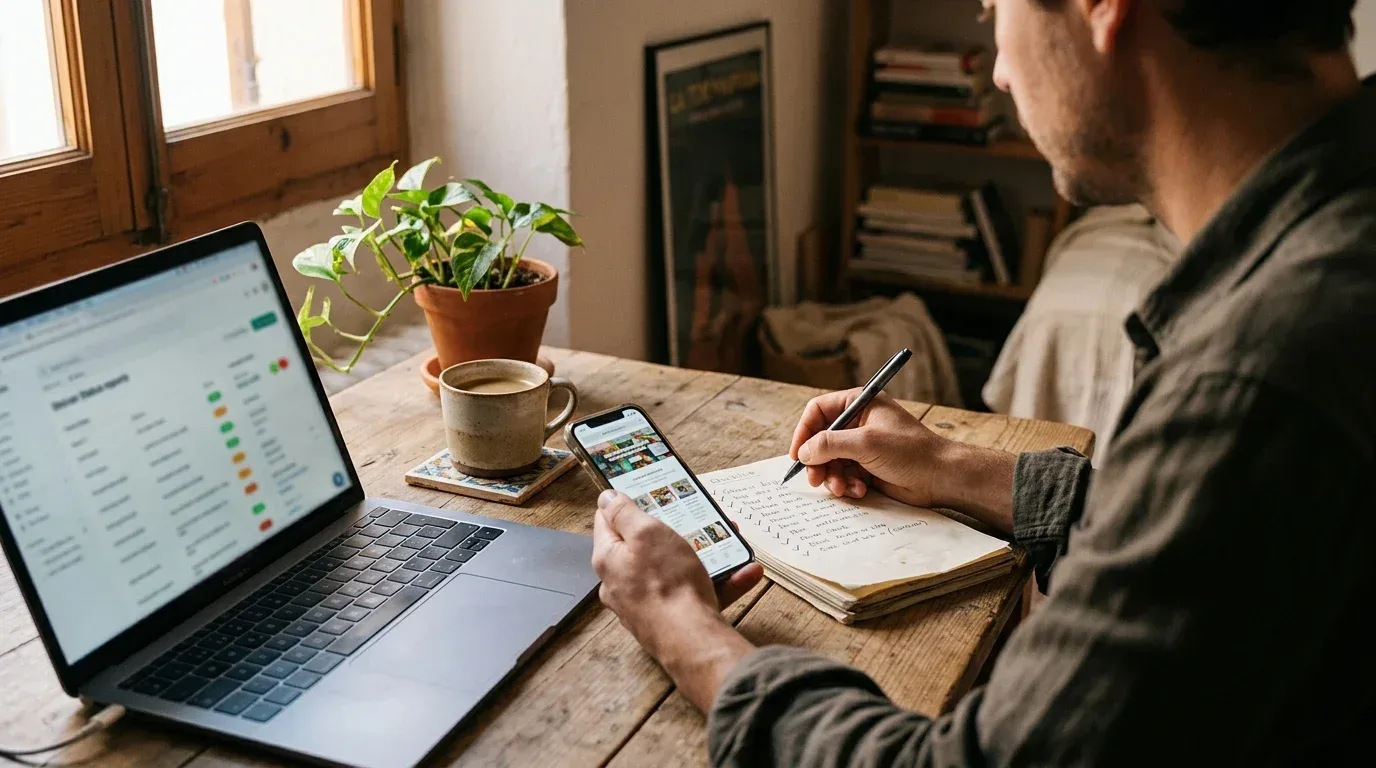
Five minutes per business doesn't sound like much, but reviewing the 60 car workshops in your town takes five hours. Further down we explain how to cut that time.
When it doesn't need a new website (and what to sell instead)
Some businesses have an acceptable website with one or two things wrong: no HTTPS, the wrong opening hours or no way to book. Selling them a new website would be expensive for them and hard for you. Selling them the fix is easy, quick and honest.
What's more, a client who pays you for a small fix and is happy with it is the one most likely to pay you for something bigger later: monthly maintenance, a booking system or the new website when the time comes. If you're wondering what to charge for each of these, our guide on how much to charge a small business for a website covers it (in Spanish).
How to tell the owner without offending them
This is where most sales are lost. The owner of a small business is usually proud of what they have, even if a relative built it, and it often cost them money. If you start by criticising their website, you're criticising a decision they made.
What works is talking about their customers, not their website:
- Describe what a customer goes through, not what you see. Don't say "your website isn't responsive". Say "I tried to check your opening hours on my phone and had to zoom in to read them".
- Show it to them on their own phone. Ask them to open it themselves. Once they see it with their own eyes, there's nothing left to convince them of.
- One thing only, the most important one. Give them ten faults and they'll feel attacked. Give them one, with a clear reason, and they'll get it.
- End with a question, not a quote. "Do you get many calls for appointments while you're with a client?" opens a conversation. A price in the first sentence closes it.
For example, on a call to a hair salon:
"Hi, I'm Laura, I build websites for businesses in Getafe. I noticed appointments can only be booked by phone, and in your reviews several customers say it's hard to catch you free to call. Does the phone often ring while you're with someone?"
If you want a script tailored to your service and the business's sector, our cold call script generator (in Spanish) writes one for free. For the whole process, from finding businesses to following up, see the guide on how to win clients among local businesses (in Spanish).
How to do it with many businesses at once
Checking by hand works when it's ten businesses. When it's a hundred, most of your time goes on opening listings and websites you're not interested in.
That's why we built Coworky. You search for a sector in a Spanish town or postcode, for example beauty salons in Alcorcón, and it brings you the businesses. Then, for the ones you choose, it runs the review described in this guide:
- It finds their official website and tells it apart from directory listings, booking platforms and social profiles. If the business has no website of its own, it tells you.
- It checks the technical and business signs: whether the site adapts to mobile, uses HTTPS, what it's built with, whether bookings go through a commission platform, whether it sells online and which social profiles and contact details it publishes.
- It gives each business an opportunity score, with the reason behind every point, so you call the ones who need you most first.
- It uses AI to prepare a report for the first call, with the main argument, likely objections and a script based only on what it has verified and on what you sell.
Coworky covers businesses all over Spain and the app is in Spanish. You can try it free, with no card, with 3 searches and 10 analyses. If you'd like to compare it first with other ways of finding businesses, see our comparison of tools for finding clients among local businesses (in Spanish).
Frequently asked questions
How can I tell if a business's website is out of date?
Open it on your phone and try to find the opening hours and phone number. If you have to zoom in, if the browser says "Not secure", if the hours don't match Google's or if the footer shows an old year, it's out of date. A free website analyser will confirm it in seconds.
What matters more, a good-looking website or one that works on a phone?
One that works on a phone. Most customers of a local business look it up on their phone, and a site that doesn't adapt stops them from calling, booking or finding the address. Design matters, but it comes second.
When is it better to fix a website than to build a new one?
When it adapts well to mobile and only one specific thing is wrong: HTTPS, opening hours, a call button or a booking system. If it doesn't adapt to mobile or is built on old technology, starting again usually works out cheaper.
Does a business with Instagram need a website?
Almost always, yes. Social media is good for showing day-to-day life, but it doesn't rank well when someone searches for a service in their town, it doesn't make booking or selling easy, and the business doesn't control its profile. A website is the only channel that's truly theirs.
How do I tell a client their website needs improving without offending them?
Talk about what their customers go through, not technical faults. Show it to them on their own phone, focus on one thing and end with a question about their business instead of a quote.
Is there a tool that detects which businesses need a new website?
Yes. Coworky searches for businesses in a given sector in your area in Spain, checks each one's website (mobile, HTTPS, bookings, online shop, contact details) and gives them an opportunity score. To review a single website, you can use its free website analyser.